My Work
The My Work view shows all cases and tasks assigned to the currently logged-in user, providing a personal work queue.
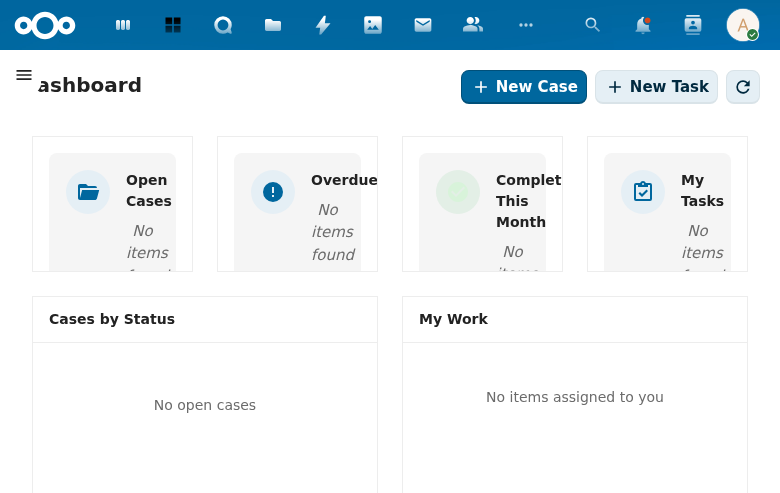
Overview
The page displays a count of total items in the heading (e.g., "My Work (15)") and provides three filter tabs:
- All (15) -- Shows both cases and tasks combined.
- Cases (15) -- Filters to show only cases.
- Tasks (0) -- Filters to show only tasks.
A Show completed checkbox allows toggling visibility of finished items.
Work Items
Each item in the list shows:
- Type badge -- "CASE" or "TASK" label.
- Title -- The case or task name (e.g., "Test Case 4").
- Identifier -- The case reference number (e.g., #ZAAK-TEST-004).
- Days remaining -- Time until the processing deadline, with warning indicators (exclamation mark) for items needing attention.
Items are grouped under an UPCOMING section header with a count.
Interaction
Clicking on a case navigates to the case detail view at /apps/dossiq/cases/{uuid}. Clicking on a task would navigate to the task detail view.
Data Source
My Work items are fetched based on the current user's assignments. The view queries OpenRegister for cases and tasks where the logged-in user is the assigned handler.