Find your work in My Work
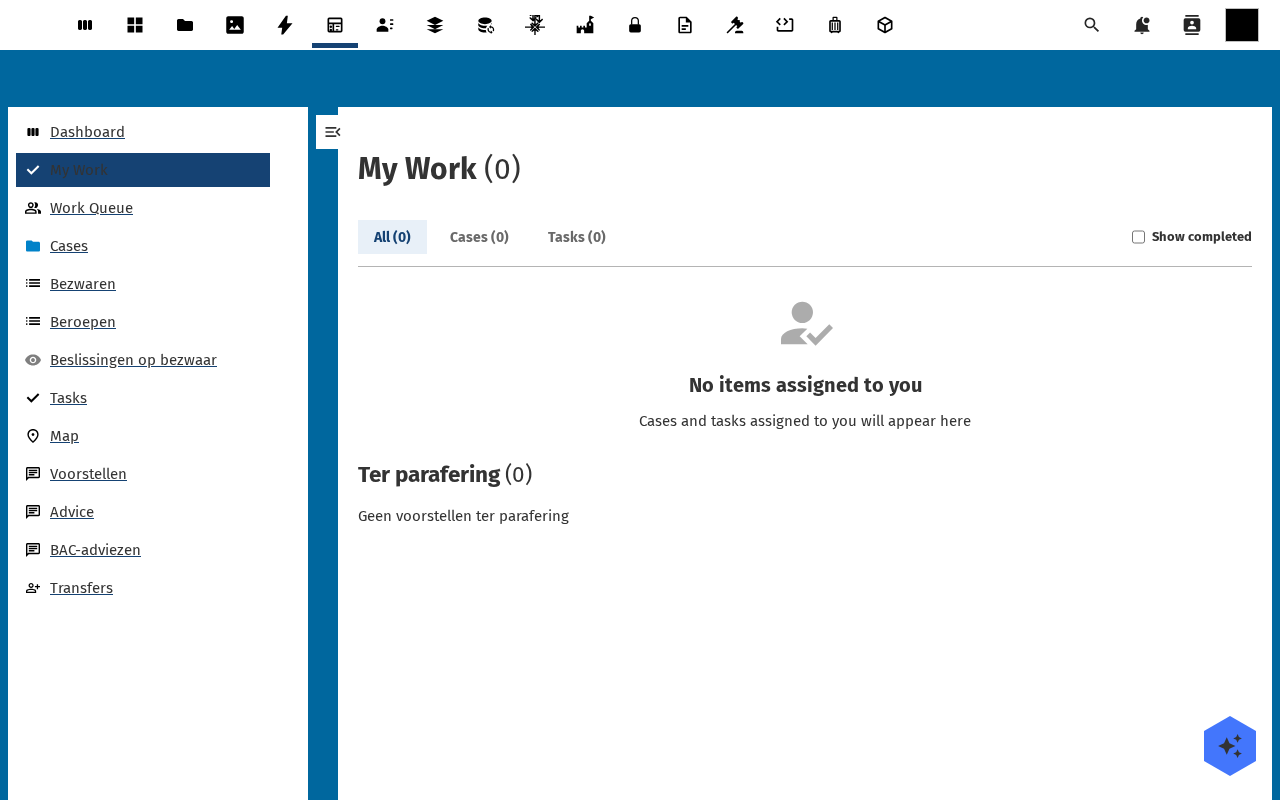
The My Work page is the personal queue every case-handler starts the day on: every case and task assigned to you, in one list, with tabs for filtering and a "Ter parafering" panel for items waiting on your initial.
Goal
By the end you will have opened My Work, used the tabs to switch between cases and tasks, toggled completed items in and out of view, and recognised the "Ter parafering" section.
Prerequisites
- Completed Open Dossiq for the first time.
- At least one case or task assigned to your user: otherwise the list is legitimately empty.
Steps
-
In the Dossiq navigation, click My Work. The page header reads My Work with a count.
-
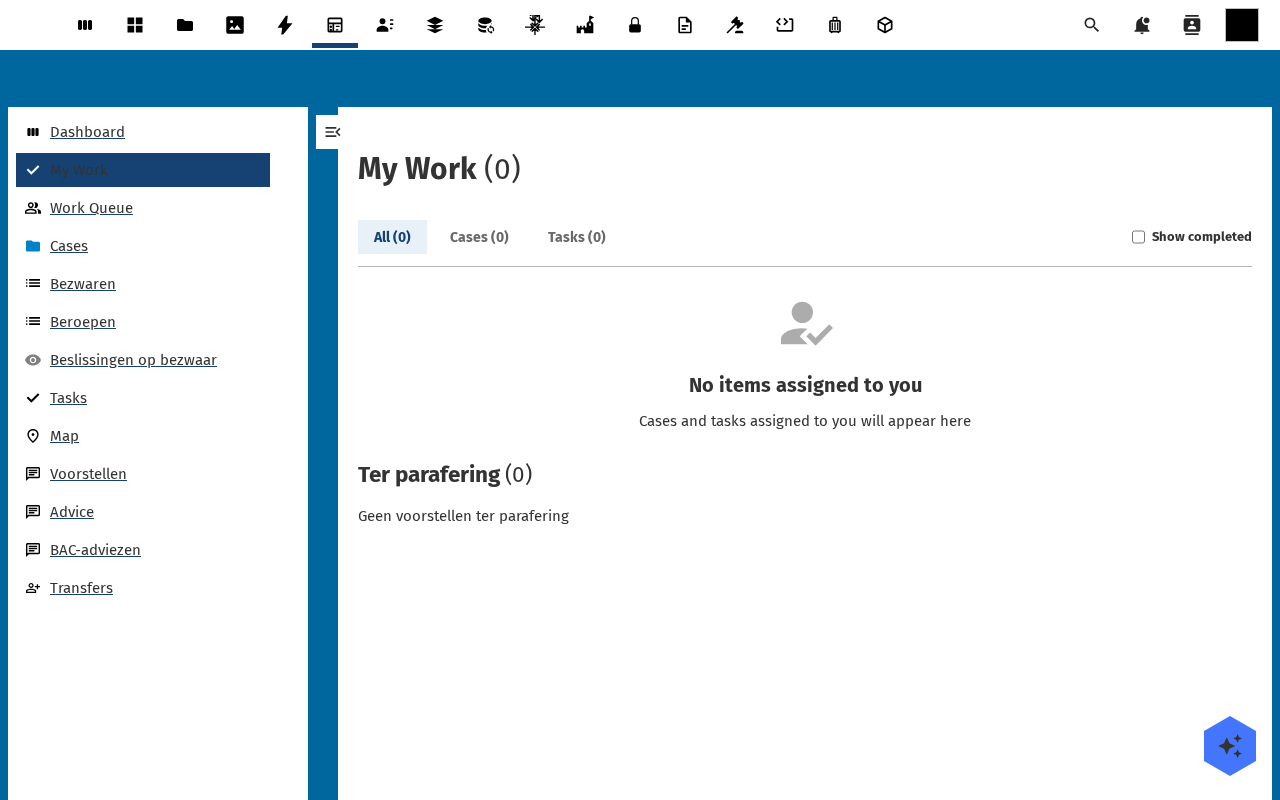
The top row holds three tabs: All, Cases, Tasks: each with its own count. Click Cases to limit the list to cases; click Tasks for tasks only.
-
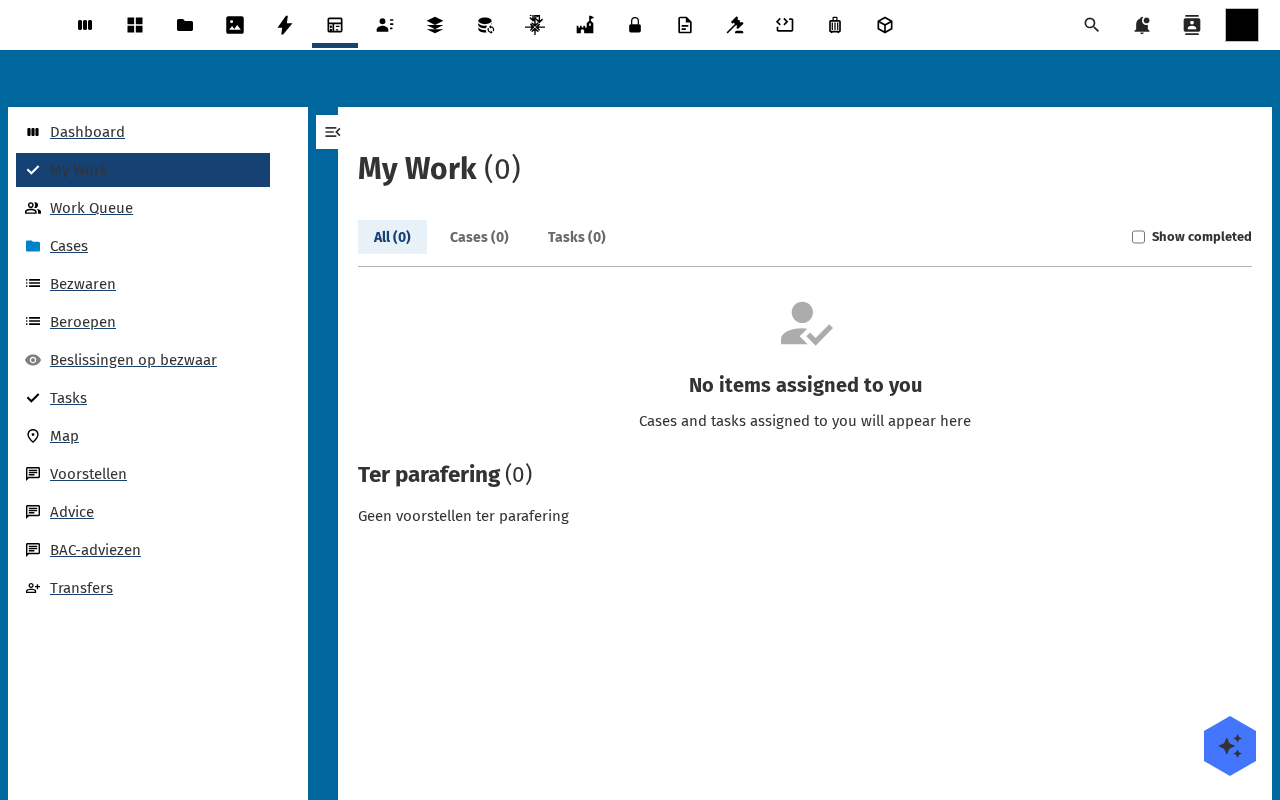
Toggle Show completed in the filter row to include items you have already finished. By default closed cases and completed tasks are hidden so the queue stays focused on what is still open.
-
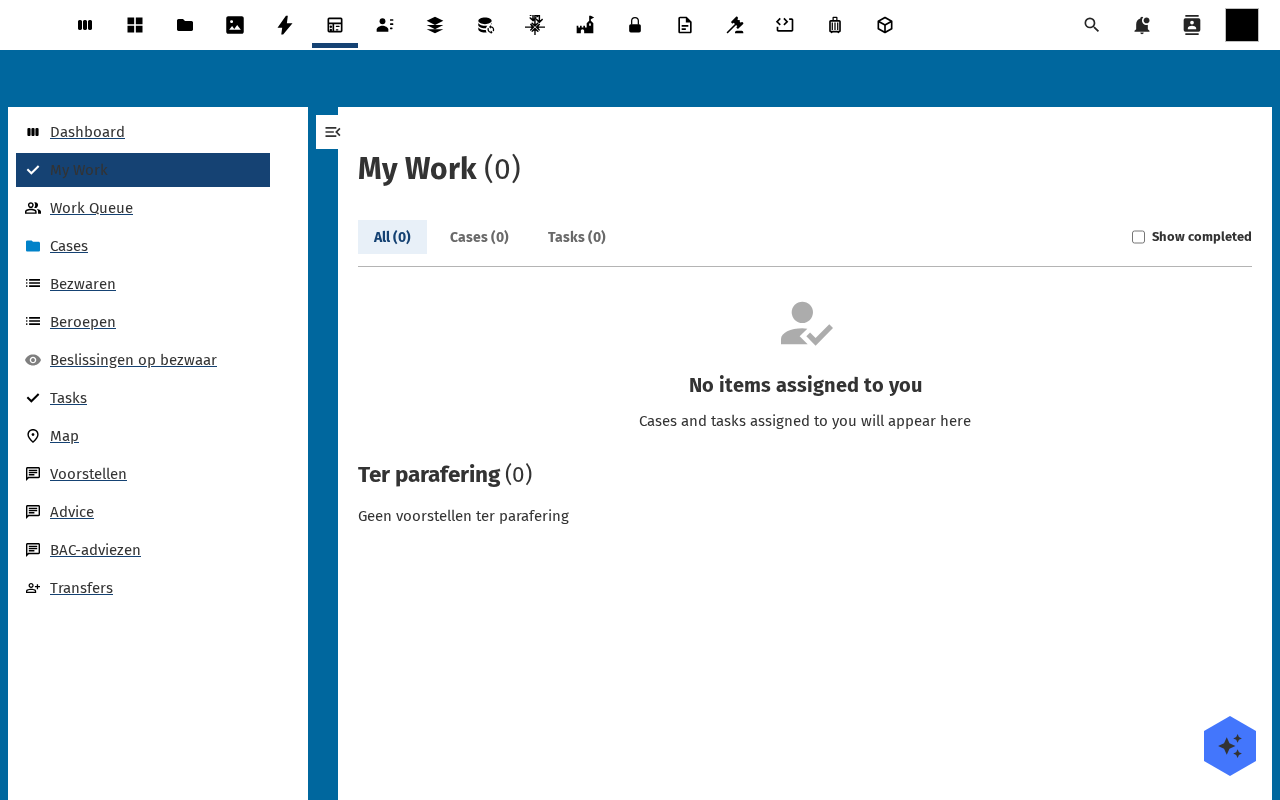
Scroll to the Ter parafering panel at the bottom: proposals waiting on your initial as part of the paraferingsroute. Empty means there is nothing waiting on you.
Verification
You are set up correctly when: the My Work page shows counts on each tab, and the Show completed toggle changes what is listed.
Common issues
| Symptom | Fix |
|---|---|
All tabs read (0) even though cases exist | The case is not assigned to your user: open the case and add yourself to a role from Participants. |
| A sign-off you expect is not listed | Sign-offs run in Decidiq, not here. Open the case, then the Besluitvorming panel, to see where the decision stands. |
| Tabs render but never load | Hard-reload the page; if the issue persists check the browser console for OpenRegister fetch errors. |
Reference
- Case management: the data model behind My Work entries.