Open Dossiq for the first time
A first look at Dossiq: where the app lives, what the navigation gives you, and how to tell it is connected to OpenRegister.
Goal
By the end you will have opened the Dossiq app, found your way around the dashboard and left-hand navigation, and confirmed the OpenRegister-backed lists (Cases, Tasks, Bezwaren, …) load.
Prerequisites
- A Nextcloud account on an instance where the Dossiq app is installed and enabled.
- The OpenRegister app installed and enabled: Dossiq stores cases, tasks, decisions and case types in OpenRegister, so it is a hard dependency.
- The Dossiq register and its schemas imported. An admin runs this once from Administration settings → Dossiq → Re-import configuration (see Manage Dossiq settings).
Steps
-
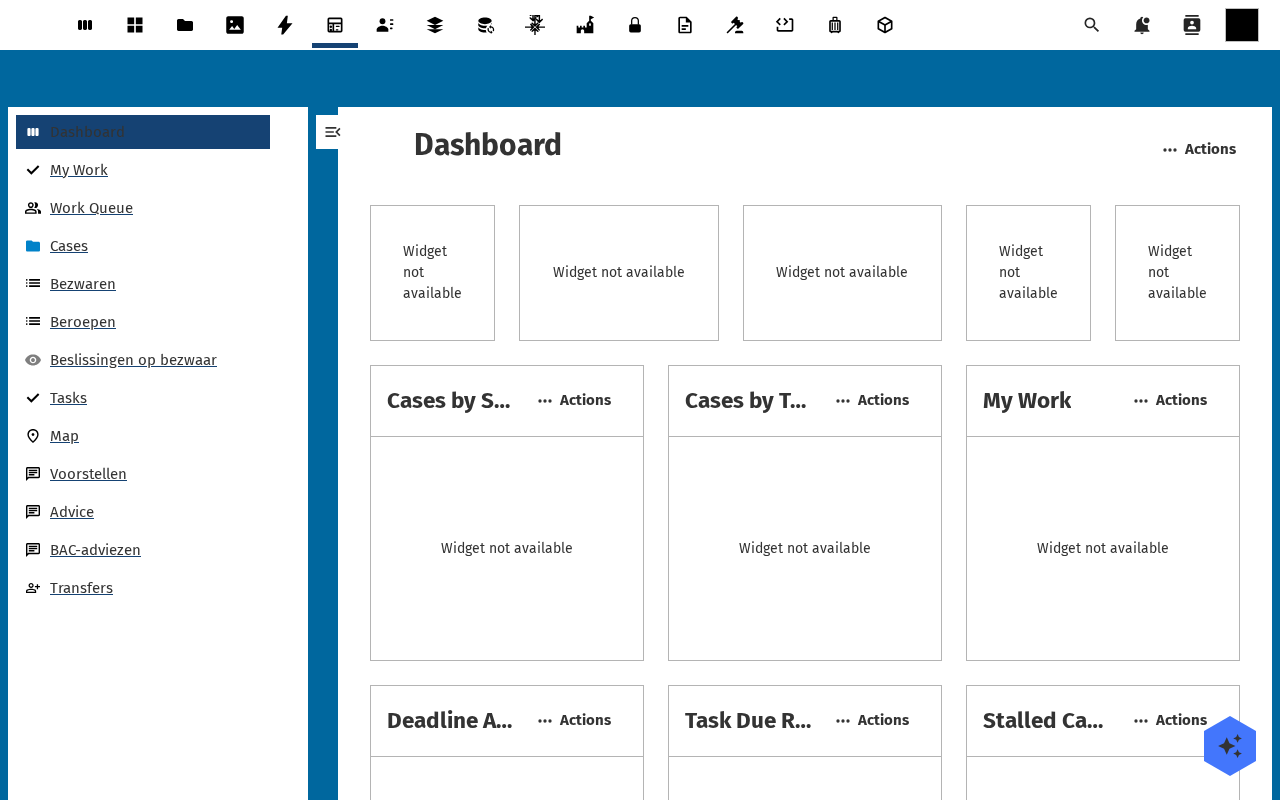
Open the Nextcloud app menu in the top bar and pick Dossiq. You land on the dashboard.
-
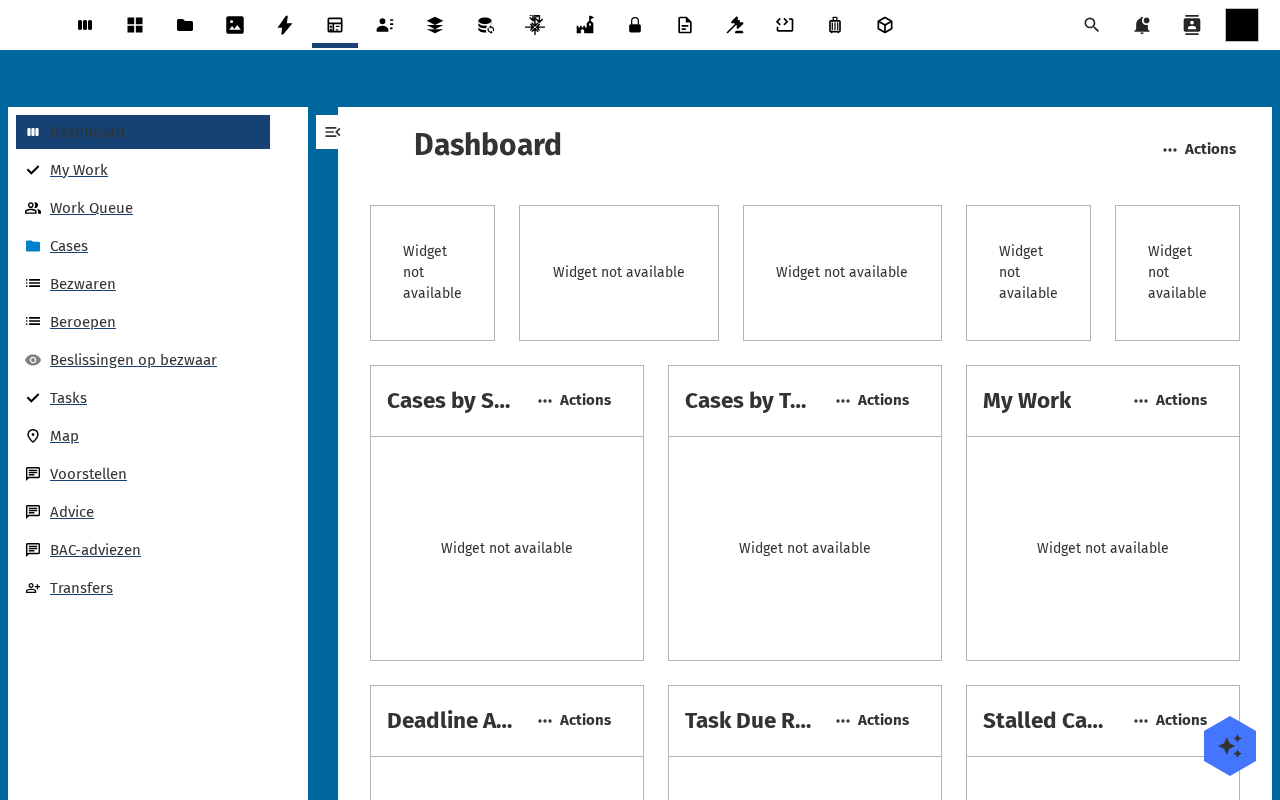
Read the dashboard widgets: Cases by Status, Cases by Type, My Work, Deadline Alerts, Task Due Reminders, Stalled Cases, Case Map. On a fresh install they read Widget not available until cases are created and the register is fully configured.
-
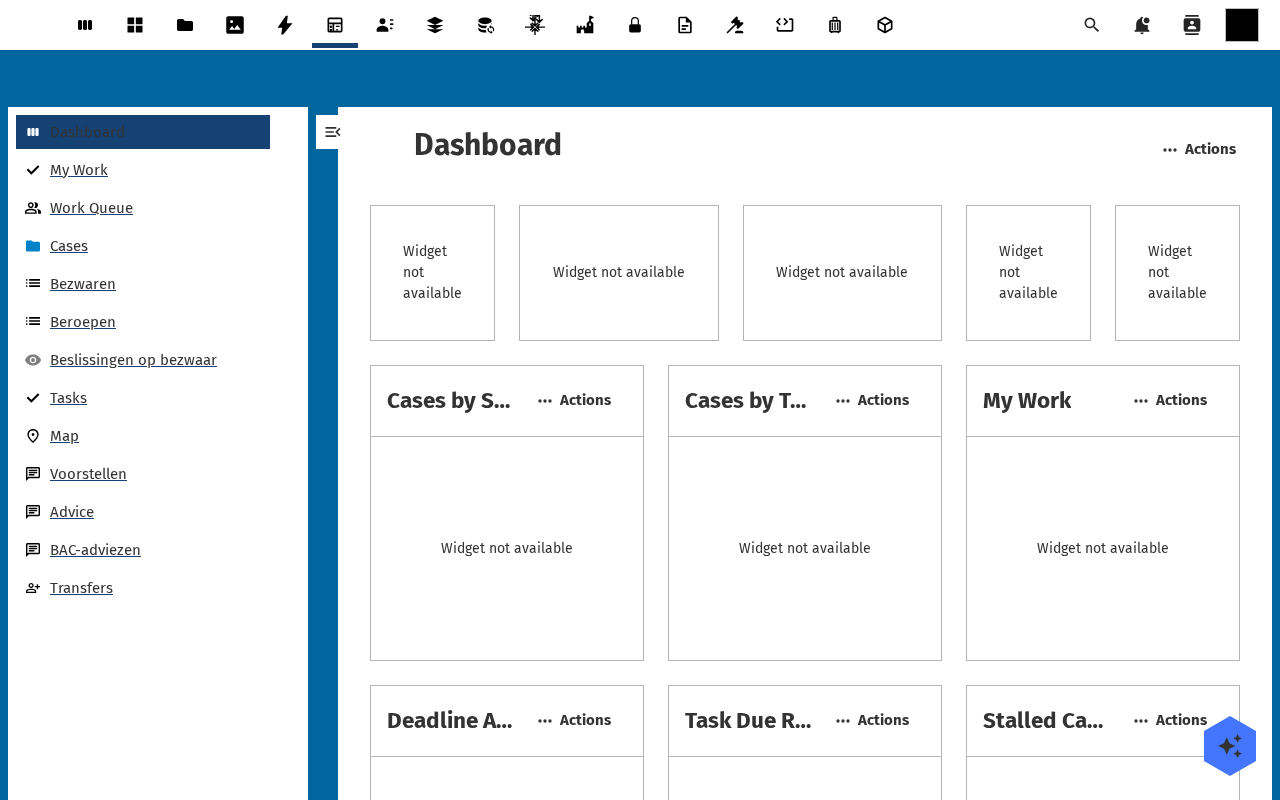
Open the left-hand navigation. The top group is your day-to-day work: Dashboard, My work, Work queue (which groups Workflow board and My work), Cases, Objections, Appeals, Reports (Processing time, Deadline monitoring), Map, and Decision-making (Proposals, Advice). Configuration lives in the Settings foldout — the gear at the bottom of the navigation — which holds Case types, Organisations, Approval routes, Automatic actions, Workflow definitions and the rest, ending in Settings.
-
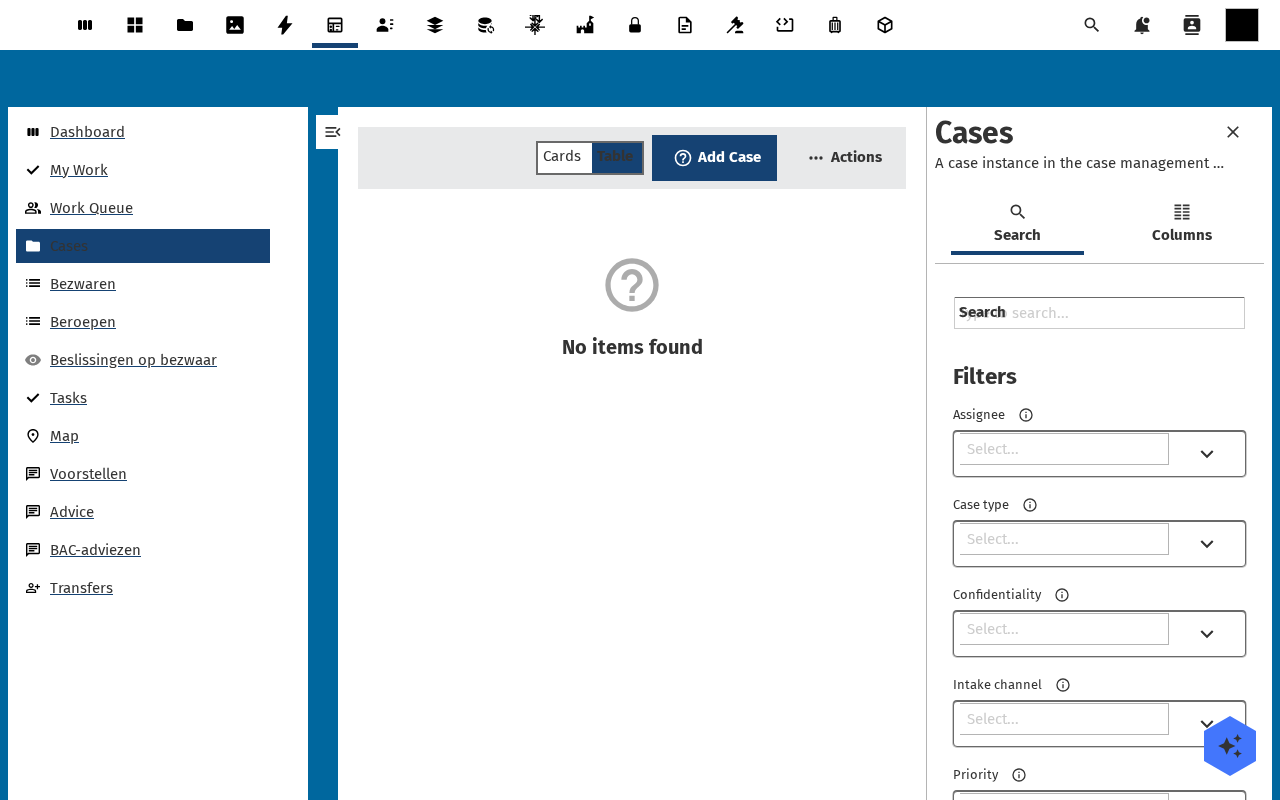
Click Cases. The list opens in List view, with a List / Table / Cards / Map view switcher, an Add Case button, a search box and a filter sidebar. An empty install shows No cases found: expected until someone creates the first case.
Verification
You are set up correctly when: the Dossiq dashboard renders without an error banner, the left navigation lists the entries above, and clicking Cases (or any other list) shows either rows or a clean No cases found state: not a load error.
Common issues
| Symptom | Fix |
|---|---|
| "OpenRegister is not installed or enabled" banner | Install and enable the OpenRegister app, then reload Dossiq. |
| Lists load but Add Case opens a dialog with no form fields | The Dossiq register import is incomplete: an admin re-runs Administration settings → Dossiq → Re-import configuration. |
| Dossiq is missing from the app menu | The app is not enabled for your account: ask an administrator to enable it (and check it is not restricted to a group you are not in). |
| Dashboard widgets all read Widget not available | The register is not connected: see Manage Dossiq settings. |
Reference
- Case management: the data model and lifecycle behind every list.
- Manage Dossiq settings: register import, schema mapping, ZGW configuration.